4 ways we’re using our MCP server at Figma
Ch03.085 4 ways we’re using our MCP server at Figma
📊 Level ⭐⭐ | 8.3KB |
entities/4-ways-were-using-our-mcp-server-at-figma.md
4 ways we’re using our MCP server at Figma
Overview
Published Time: 2026-06-16T12:00:00.000Z
Markdown Content: Two months after opening the canvas to agents 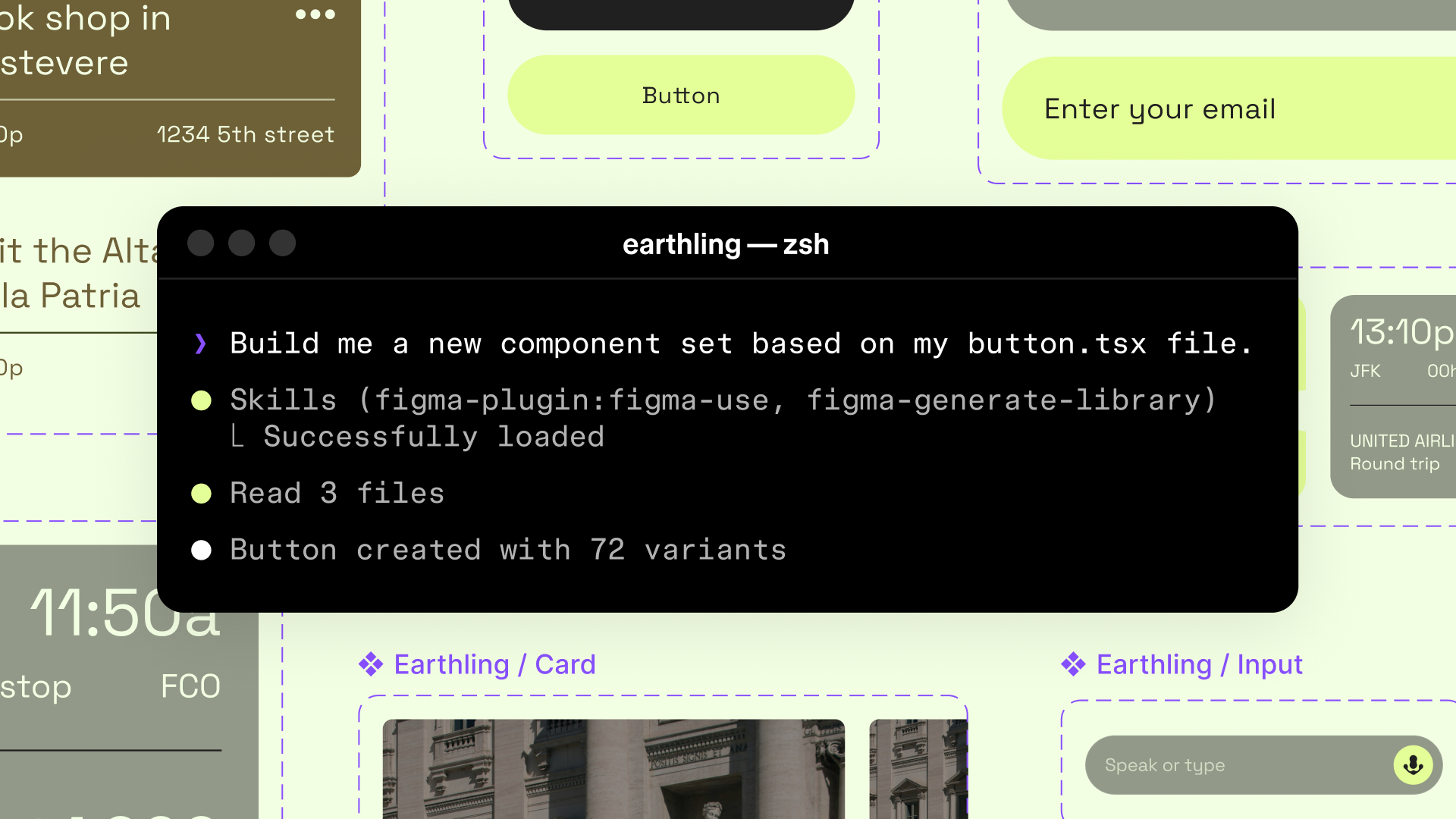 ### Agents, meet the Figma canvas Starting today, you can use AI agents to design directly on the Figma canvas. And with skills, you can guide agents with context about your team’s decisions and intent., the Figma MCP server
  ### The TL;DR on MCP: Why context matters and how to put it to work Figma’s MCP server brings your design decisions into the tools where code gets written—so what gets built actually matches what was designed. Here’s what that unlocks for everyone who builds products. now works across Figma Slides, FigJam
  ### FigJam is now your coding agent’s whiteboard too Agents are changing your code faster than your team can follow. Now you can close that gap with new MCP skills, architecture layouts, and more in FigJam., Figma Make ### Figma Make, now on your local code From visual editing to contextual prompting and collaboration, Figma Make is expanding how teams can design with code., and the new Figma agent ### The Figma design agent is here Starting today, work with an agent that is built for Figma—directly on the canvas.. That means presentation decks, FigJam boards, and Make prototypes can all be created or updated from a prompt. The MCP server also supports custom fonts and lets you download images and icons—as SVG, PDF, JPG, or PNG—from design files through the new download_assets tool.
Here are four workflows Figmates are running right now using these new capabilities.
1. Create and refresh decks in Figma Slides
Mallory Dean, a designer advocate at Figma, maintains an evergreen deck covering Figma’s AI product launches. It's a living deck that she refreshes every few weeks so that what she's presenting at design talks and customer meetings stays current as we ship.
The Figma MCP server now supports uploaded custom fonts, so any typeface saved on your machine can be prompted to render correctly in designs or slides.
After we launched the Figma agent ### The Figma design agent is here Starting today, work with an agent that is built for Figma—directly on the canvas., she prompted in her code editor: `"Up
深度分析
MCP 从"数据通道"到"创作引擎"的跃迁:Figma MCP server 的核心突破不在于技术架构本身,而在于它将 MCP 协议从被动的上下文提供者(读取设计 token、样式变量)转变为 agent 的主动创作工具。Slides 自动生成、FigJam 数据聚合、Make 双向代码-设计循环——这三个场景共同指向一个趋势:MCP 工具链正在重新定义"设计系统"的边界,从静态组件库扩展到 agent 可执行的动态工作流。
"最后 20% 仍需人类判断"的工程现实:Mallory 的 deck 更新案例揭示了当前 agent 辅助设计的真实形态——agent 完成了 80% 的内容填充和布局工作,但图片替换、文案微调、品牌一致性检查仍需设计师介入。这不是技术缺陷,而是设计工作的本质属性:审美判断和上下文理解是 LLM 最后才能攻克的堡垒。
跨工具编排的隐性成本:Prasant 的 FigJam builder 案例展示了 agent 从 Slack + Asana + Notion + Hex 聚合数据的能力,但也暴露了隐性工程成本——每个数据源需要独立的 MCP connector 配置、权限管理和错误处理。当 connector 数量超过 3-4 个时,编排复杂度呈指数增长,这正是 Vercel Connect 等 connector 标准化方案试图解决的问题。
设计-代码双向循环的架构意义:Iris 的 Make 案例(设计→代码→设计的完整闭环)代表了 MCP 工具链的最高价值形态——不是单向的"从设计生成代码",而是双向的"设计变更自动同步到代码,代码实现反馈到设计"。这对传统的 design handoff 流程构成了结构性替代。
实践启示
-
MCP 工具选型应以"编排能力"为首要标准:评估 MCP server 时,不要只看单点功能(能否读取 Figma token),更要看它能否与 3+ 个外部数据源联动。Figma MCP 的真正价值在于 Slides + FigJam + Make 的三合一编排能力。
-
为 agent 工作流设计"人工检查点":80/20 法则适用于所有 agent 辅助设计场景。在工作流中明确规划人工介入节点(图片替换、品牌检查、文案微调),而不是期望 agent 端到端完成。
-
Custom Skills 是 MCP 生态的差异化壁垒:Prasant 的
/figjam-builder和 Mallory 的 deck 更新 skill 都是团队特有的工作流封装。投资 custom skill 开发比依赖通用 MCP 工具更能产生持久竞争优势。 -
设计系统的边界需要重新定义:当 agent 可以直接操作设计 canvas 时,设计系统不再只是组件库和 token——它需要扩展到 agent 可理解的规则集(布局约束、品牌指南、交互模式)。Figma Skills 是这一方向的早期探索。
-
优先投资双向工作流:设计→代码的单向生成已经成熟,但设计↔代码的双向同步才是真正的生产力倍增器。评估工具链时,优先选择支持 Make/Preview → Canvas → Code 完整循环的方案。
→ 原文存档